
 lumiya.com.tr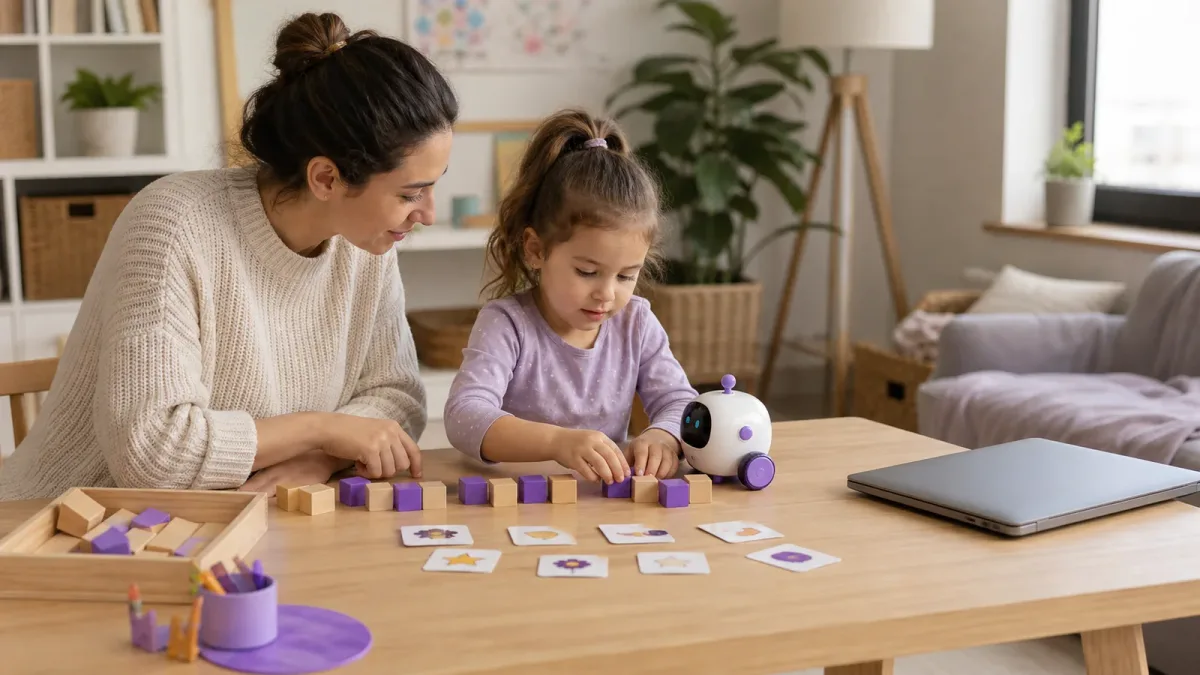
A healthy balance with screens
AI for Ages 3–6: A Safe, Hands-On Guide for Families
Explain artificial intelligence without turning it into a person, protect a young child’s privacy, and make every AI encounter brief, shared, and connected to real play.
General Information: General information only; it may vary from child to child. Talk to your doctor or a specialist before making decisions.
In short
- AI is a pattern-making tool, not a person, teacher, or trusted friend.
- Preschoolers should not have independent, open-ended chatbot access.
- Never enter a child’s name, school, location, photo, voice, or family story.
- Turn each digital result into conversation, checking, movement, and offline play.
Lumiya Editorial TeamBased on 4 sourcesOur editorial standards
Artificial intelligence may already be present in a preschooler’s day even if nobody opens a chatbot. A phone groups similar photos, a smart speaker recognizes a request, a video service predicts what might keep someone watching, and a toy may respond to a voice or pattern. A family therefore does not need to rush a young child into “learning AI.” The more useful goal is to give the child simple words for what these tools can and cannot do, while keeping an adult firmly responsible for selection, privacy, and stopping.
Use this guide alongside the broader digital-life guidance and a shared-use approach.
Thinking alongside the tool
Evidence context
A child-rights approach to AI needs to consider the child’s best interests, privacy, understandable information and adult responsibility together.
A three-minute family routine
Use the same short conversation whenever a new tool or recommendation appears.
-
Name it
Say what the tool does in age-appropriate words and that it is not a person.
-
Choose together
Try a video, voice request or app beside the child rather than leaving it to them alone.
-
Protect data
Make a concrete rule that names, photos, school and location are not shared.
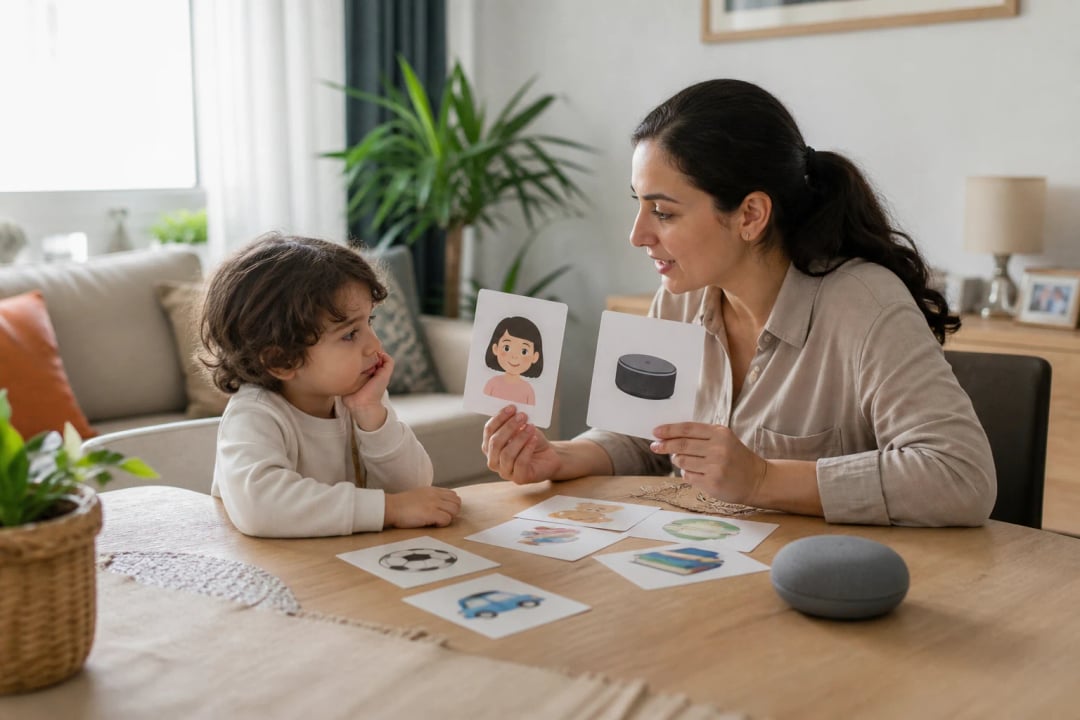
Children between three and six are still building their understanding of what is alive, what has feelings, and what can be trusted. A system that speaks smoothly may sound like a person who knows them. Avoid saying that the tool “wants,” “understands,” or “is your friend.” A concrete explanation works better: “The computer saw many examples, found a pattern, and made a guess.” Add that guesses can be helpful and can also be wrong.
Start with an offline pattern game
You do not need a screen to introduce the idea. Arrange red and blue blocks in a repeating line and ask which color might come next. Sort picture cards into animals, foods, and vehicles, then deliberately place one in the wrong group. Explain that computers can sort and predict using far more examples, but they do not know why a family loves a particular story or how a child feels after a hard day.
Keep the distinction between performance and understanding clear. A toy can answer when a button is pressed without feeling pleased. A chatbot can produce a kind-sounding sentence without caring. Pretend play remains welcome: children can give a robot a name or invite it to a tea party. The adult simply returns to reality when needed: “We are pretending. The robot is a machine, and people take care of people.”

Early AI literacy begins with knowing that a convincing answer comes from a tool and still needs human judgment.
Let the adult choose and operate the service
A cheerful interface does not prove that a product is designed for preschoolers. Read the minimum-age rule, privacy notice, advertising model, in-app purchases, microphone and camera access, and deletion controls before use. Do not enter a false birthday to bypass an age limit. Open-ended generative services should not become independent preschool activities. If a family chooses to demonstrate one, the adult should operate it, use one clear purpose, remain beside the child, and end the session promptly.
| Before using a tool | Safer default | Reason |
|---|---|---|
| Account | Adult controls it | Age rules and permissions stay visible |
| Input | No name, school, address, image, or voice | Prompts may be stored or reviewed |
| Content | Adult previews the feature | Harmful, commercial, or false output can appear |
| Time | One short shared task | AI does not displace play and relationships |
| Output | Check together | Confidence and accuracy are different |
In the United States, privacy rules give parents important rights when covered services collect personal information from children under thirteen. Those rights do not make every product developmentally suitable. Before allowing any child-directed service, understand what is collected, whether it is shared, how a parent can review or delete it, and whether the experience needs the data at all. Data minimization is practical: if the activity works without a child’s real identity, use no identity.
Faces, voices, precise location, school details, health questions, and stories about friends can reveal more than a child understands. Avoid uploading a child’s portrait to make a future-age image or cloning a child’s voice for amusement. Do not upload another child’s information without that family’s clear permission. A private family moment should not become training material or a persistent account history merely because an app made the upload easy.
Turn output into active thinking
Use AI, if at all, as a prompt for shared creation rather than a source that replaces imagination. An adult might request three silly ideas for what a purple elephant does on a rainy day. Close the device, let the child choose or reject the ideas, draw the scene, act it out, and invent a different ending. Ask for a short rhyme, then clap the rhythm and replace words together. The valuable learning happens in the conversation and play, not in the speed of the generated answer.
Build a three-question habit: “Who or what made this?”, “Could it be wrong?”, and “How can we check?” A preschooler cannot perform formal source verification, but they can compare a claim with a picture book, count real blocks, observe the weather, or ask a knowledgeable adult. If a system says all ladybugs have the same number of spots, the family can look at reliable nature materials and discover why one neat answer may be misleading.
Notice errors and narrow stereotypes
AI can invent facts while sounding certain. It can also repeat patterns in its training material. A picture tool may show only men when asked for engineers or only one type of family when asked for a home. Rather than describing the machine as mean, explain that it learned from examples that were incomplete or unbalanced. Ask for broader examples and compare the new result with real people in the child’s community and books.
This is an age-appropriate doorway into fairness. The lesson is not that every output hides danger. It is that digital systems reflect choices and examples, so adults remain responsible. Praise the child for spotting something missing: “You noticed that the picture did not include many kinds of people. Let’s make our own version.” Creating a paper collage after the discussion gives the child agency that clicking “regenerate” alone does not provide.
Use a five-part family plan
First, name the purpose: “We are looking for one story idea.” Second, keep an adult in control of the device. Third, set the privacy boundary: no identifying information or private family stories. Fourth, verify one part of the result. Fifth, move away from the screen and transform the idea into drawing, building, movement, or conversation. Simple picture symbols can make these steps visible without turning home into a classroom.

Declining a new AI feature is a valid choice. Curiosity can be supported with books, people, observation, and ordinary play while a product’s safety remains unclear.
Do not ask an AI tool to assess symptoms, decide what to do in an emergency, settle a safety question, evaluate a child’s development, or act as the child’s emotional companion. Those tasks require real adult responsibility and, when appropriate, a qualified professional. Stop an activity if the child becomes frightened, wants to hide conversations, treats the system as a secret friend, or struggles to return to ordinary play.
For a three-to-six-year-old, success is not writing an impressive prompt. A strong beginning is being able to say: “It is a tool,” “It can make mistakes,” “I do not share private information,” and “We check with a grown-up.” When families protect relationships, privacy, and hands-on experience, AI remains one small, understandable tool rather than an authority at the center of childhood.
General Information: This content offers general information based on expert sources. Every child, family and situation is different, so what is described here may vary from person to person. Talk to your doctor or a qualified specialist before making decisions about your child.
Was this article helpful?
This topic at other agesDigital Life & Safety
Tools for this Age
- Baby percentile calculatorWhere does your child's weight and height sit among children the same age? See it in seconds on the WHO growth curves.
- Baby and child sleep scheduleHow much should your child sleep in 24 hours, and when should bedtime be? Calculate it from official guidance and compare it with your own log.
- Potty training chartWhen to start and how to prepare? A roadmap by age, a daily routine and a printable reward chart.
- Baby milestones by monthCheck off what most children your child's age can do, and talk about the rest with your doctor.
- Baby vaccine schedulePick your country, enter the birth date, and see the official schedule as your own dates.
- Screen time by ageSee how much screen time a day your country's official body recommends at your child's age; add daily use to compare it with the advice.
Checklist
Popular Topics
Frequently Asked Questions
- 1
- 2
- 3
- 4
Editorial Note
This article provides general digital-parenting information. Follow each service’s age rules and privacy terms; do not use an AI response as medical, safety, legal, or developmental advice.
Other situations in this topic
Dealing with a different side of the same topic? Each situation has its own guide.