 lumiya.com.tr
Tablet Time for 3–6-Year-Olds: A Parent’s Practical Guide
Learn how to fit tablet use into a balanced day for preschoolers, with clear rules, safe content choices, and smooth transitions that protect sleep, play, and family time.
Why tablets belong in the background, not the spotlight
Tablets can be useful for short, focused activities, but they should never take the place of running, building, storytelling, or family conversation.

A child who spends too much time with a tablet may show less interest in outdoor play or pretend games with siblings. If you notice this shift, it’s a sign to rebalance the day.
The American Academy of Pediatrics suggests asking yourself the “5 Cs” before handing over a tablet: Content, Context, Child, Couch time, and the Company your child keeps. Content should match their age and curiosity.
Preview first, share second
Before your child touches the tablet, preview the app or video yourself. Look for bright colors, loud sounds, or rapid scene changes—these can overstimulate young brains. Instead, choose apps that let your child draw, sort shapes, or solve simple puzzles.
Turn off automatic purchases and disable contacts or messaging features. A shared family device works best when it’s locked down for your child’s age. Use the device’s built-in parental controls to set limits on screen time and app downloads.
Make the rule visible and the ending calm
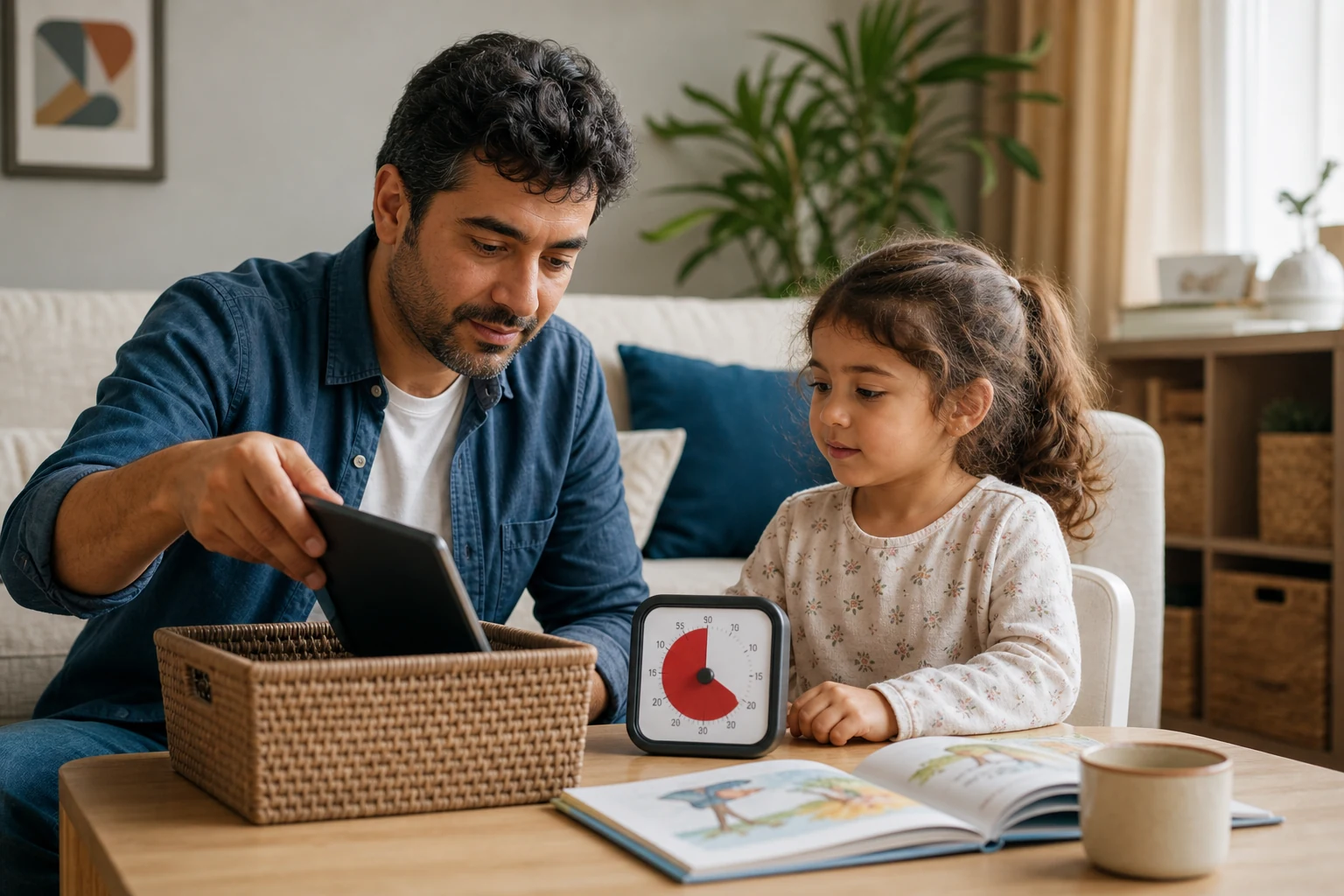
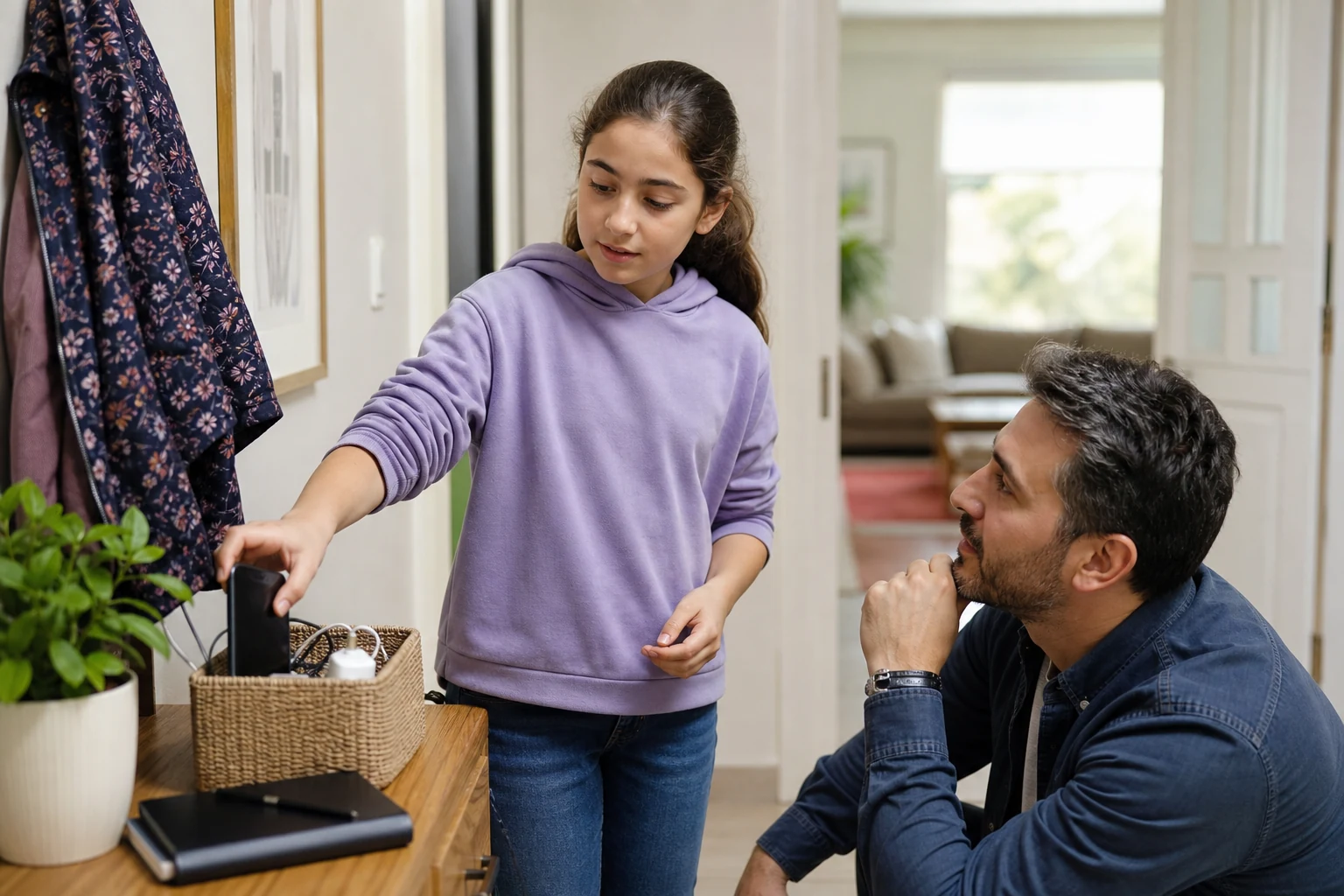
A family media plan works best when everyone can see it. Write down the rule together, such as “Tablet time after breakfast, before outdoor play, up to 20 minutes.” Post it on the fridge or near the charging station.
Choose a calm stopping cue that fits your child’s routine. Some families use a song that plays when it’s time to switch activities. Others use a visual timer that counts down.
Watch for ripple effects
After tablet time, notice how your child acts. Do they seem more tired than usual? More fussy? Less interested in playing with toys or siblings? These small changes can signal that the session was too long or too stimulating.

If your child becomes unusually upset, struggles to fall asleep for several nights in a row, or shows signs of distress after using the tablet, reach out to your pediatrician or an early childhood specialist for advice.
Sleep matters most of all. The American Academy of Pediatrics recommends no screens for at least one hour before bedtime.
One week to test your routine
Use this table to track how tablet time fits into your child’s day. Fill in the details each day, then look for patterns at the end of the week.
| Day | Context | Purpose | Duration | Adult present? | App/Content type | Transition response | Effect on sleep/play/contact | One change to test |
|---|---|---|---|---|---|---|---|---|
| Monday | Morning after breakfast | Calm drawing app | 15 min | Yes | Drawing app with simple tools | Walked to art table without fuss | Slept well, played outside afterward | Try 10 min next time |
| Tuesday | Waiting room at doctor’s office | Short, familiar cartoon | 10 min | Yes | Pre-downloaded cartoon | Handed tablet back without protest | No change in sleep or mood | Keep same content, same length |
| Wednesday | After preschool pickup | Video call with grandparent | 8 min | Yes | Video call | Smiled, waved goodbye | No change in sleep or play | Try adding a photo book afterward |
| Thursday | Evening before bedtime | Puzzle app | 12 min | Yes | Simple puzzle game | Asked to do another puzzle | Took longer to fall asleep | Skip tablet, try audio story |
| Friday | Rainy afternoon | Shared family tablet for coloring game | 20 min | Yes | Coloring app with parent nearby | Switched to blocks without fuss | Slept well, played quietly afterward | Try 15 min next time |
| Saturday | Park picnic | Offline photo album of family trip | 5 min | Yes | Offline photo viewer | Looked at photos, then ran to play | No change in sleep or mood | Keep same activity, shorter time |
| Sunday | After church | Pre-downloaded nature documentary | 18 min | Yes | Slow-paced documentary | Asked questions about animals | Slept well, played outside afterward | Try 15 min next time |
After a week, review the table. Did the duration feel right? Did the transition go smoothly? Did sleep or play suffer? Use what you learn to adjust the next week’s plan. Small tweaks often make a big difference.
Tablets on the go, during illness, and in shared households
Travel doesn’t have to mean more screen time. Download a few favorite apps or videos in advance and set a clear limit before you leave. Use airplane mode to avoid unexpected data charges or ads.
During illness, screen time can feel like an easy way to keep a child calm. But fever, congestion, or fatigue can make screen use harder on their eyes and mood.
In shared households, agree on the same rules with all caregivers. A grandparent or co-parent may not realize the tablet is supposed to be off during meals or before bedtime. Write the rule down and post it where everyone can see it.
For children with disabilities or accessibility needs, tablets can be powerful tools for communication, learning, or play. Work with therapists or teachers to choose apps that fit your child’s abilities.
Offline options and different budgets
You don’t need the newest tablet to make this work. An older device with a cracked screen can still run simple apps if you lock it down. Libraries often lend tablets preloaded with child-friendly apps.
If money is tight, focus on offline use. Download free apps or e-books before you need them. Use the device’s camera to take pictures of your child’s drawings or family outings.
If you’re worried about costs, look for local programs that offer free or low-cost internet access or device loans. Many libraries and nonprofits have resources for families.
When to seek extra help
Most children protest when screen time ends, but this is usually brief. If your child repeatedly refuses to stop, becomes aggressive, or shows signs of distress, pause and reassess. Ask yourself: Is the content too exciting? Is the session too long?
If you notice repeated sleep loss, less interest in activities they usually enjoy, or unusual behavior after tablet use, it may be time to talk with your pediatrician or an early childhood specialist.
For concerns about online safety—such as unwanted contacts, financial exploitation, or harmful content—report the issue to the platform or app provider.
Start small, adjust often
You don’t have to get this perfect on the first try. Pick one or two changes to test this week, like previewing content before sharing it or using a timer for endings. Notice what works and what doesn’t, then adjust.
Tablets can be useful tools, but they’re not the only tool in the box. A balanced day for a 3–6-year-old includes plenty of active play, quiet time, family conversation, and real-world exploration.
"Health Disclaimer: This content is provided for general informational purposes only and does not constitute personal medical advice, diagnosis, or treatment. Always seek the advice of a qualified health professional with any questions you may have regarding your health or your child's health."
Was this article helpful?
Fast Summary
- Tablets are one tool among many in a 3–6-year-old’s day, not the main event.
- Preview apps and videos before sharing them with your child.
- Use calm stopping cues and a visible family rule to end screen time smoothly.
- Watch for changes in sleep, play, or family contact after tablet use.
Tools for this Age
Checklist
Popular Topics
This topic at other ages· Digital Life
Frequently Asked Questions
- 1
Show 3 moreCollapse
- 2
- 3
- 4
Editorial Note
This guide offers practical steps to help families manage tablet time for preschoolers. It does not diagnose or treat any condition. If your child shows repeated distress, sleep loss, or unusual behavior after screen use, contact your pediatrician or a local early childhood specialist for guidance.