 lumiya.com.tr
Screen Time for Kids 6–9: A Parent’s Practical Guide
Help kids ages 6–9 balance screen time with school, play, sleep, and family life using a flexible family plan, not a one-size-fits-all rule.
Start with the four buckets, not a single number
Screen time isn’t one thing; it’s four overlapping uses that need different rules. Schoolwork and communication (like video calls with grandparents) often need more flexibility than entertainment or gaming. Creativity apps or coding games can feel like play but still count as learning.
| Use | Example | Typical timing | Notes |
|---|---|---|---|
| Schoolwork | Reading app, math game, video lesson | 15–30 min, 1–3 times a day | Tie to homework schedule; keep device in shared space |
| Communication | Video call with family, class chat | 10–20 min, 2–3 times a week | Use parental controls for contact lists |
| Creativity | Drawing app, stop-motion video, coding game | 20–40 min, 2–3 times a week | Encourage saving work to share with family |
| Entertainment | Streaming show, multiplayer game, YouTube clips | 30–60 min, 1–2 times a day | Use built-in timers and bedtime reminders |

Screen time isn’t one thing; it’s four overlapping uses that need different rules. Schoolwork and communication often need more flexibility than entertainment or gaming.
Once you see the pattern, you can adjust timing and content without arguing over a single “correct” number of minutes. The goal is to protect sleep, meals, outdoor play, and face-to-face time—not to hit an exact minute count every day.
Build a visible family plan you can actually follow
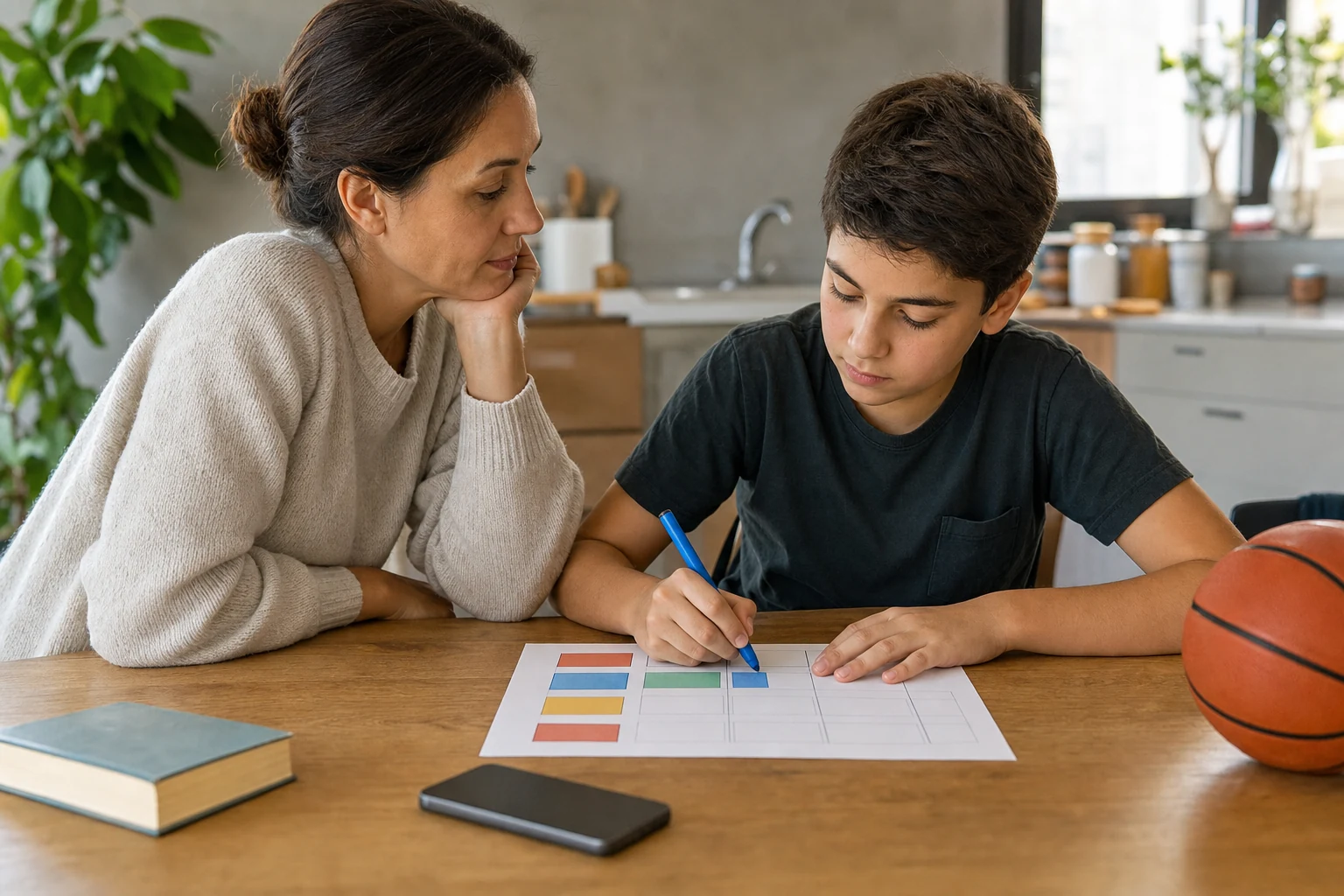
A family media plan works best when it’s written down and posted where everyone sees it. Start with three anchors: meals, bedtime, and outdoor play.
Natural stopping points matter. End a video at a commercial break or finish a game level instead of cutting mid-action. These small cues teach self-regulation better than abrupt shutdowns.

A family media plan works best when it’s written down and posted where everyone sees it. Start with three anchors: meals, bedtime, and outdoor play.
Include your child in the planning. Ask which shows or games they love and why. Let them pick one creative or learning app to try each week. When kids help shape the rules, they’re more likely to follow them.
Use tools wisely, but keep conversation first
Filters, timers, and parental controls reduce risk, but they don’t replace talking. Co-use—watching or playing together—gives you a chance to discuss what your child sees and does.
Filters and controls reduce risk, but they don’t replace talking. Co-use gives you a chance to discuss what your child sees and does.
Avoid secret surveillance or humiliation. If you suspect unsafe contact or harmful content, address it directly with your child first, then adjust controls together. Bargaining every transition (“just five more minutes”) erodes trust and makes stopping harder. Instead, use the plan’s cues and move on.
Remember: screens are one tool among many for calming, learning, and connecting. If screens are the only tool your child uses to calm down, it’s time to build a bigger toolkit—deep breaths, quiet drawing, or a short walk—so they learn other ways to reset.
Watch for red flags and know when to ask for help
Most days, screen time is just part of life. But some signs mean it’s time to pause and get support. Sleep disruption—trouble falling asleep, waking at night, or daytime sleepiness—is a clear signal. Marked distress, aggression, or school impairment also warrant attention.
Sleep disruption, distress, aggression, school impairment, unsafe contact, coercion, sexual content, image abuse, blackmail, or exposure to self-harm content require timely local school, health, or safeguarding support.
If you see these signs, reach out to your child’s school counselor, pediatrician, or local child protection team. You don’t need to diagnose or fix it alone; early support makes a difference. Keep records of what you’ve tried and how your child responded so professionals have the full picture.
Make movement and meals non-negotiable
Physical activity and shared meals anchor a healthy day. The World Health Organization recommends at least an hour of moderate-to-vigorous activity for kids 5–17, but younger children often need more. Build movement into screen-free times: a 10-minute dance break before homework, a walk after dinner, or a weekend bike ride.
The World Health Organization recommends at least an hour of moderate-to-vigorous activity for kids 5–17, but younger children often need more.
Meals are another screen-free zone. No devices at the table means better digestion, richer conversation, and fewer distractions. Start small: one device-free meal a day, then add another as it feels natural. If your child resists, offer a quiet alternative like a coloring sheet or a conversation starter card.
Weekends can stretch the rules, but keep the anchors. A Saturday morning cartoon is fine if breakfast is screen-free and afternoon play is outside. Use the same planning tools—just adjust the timing. The goal is consistency in the rhythm, not perfection in the minutes.
Reset after a tough day without guilt
Some days, screens become the easiest way to calm everyone down. Maybe a meltdown, a long car ride, or a sleepless night made screens the default. That’s okay. Reset starts with honesty: “Today was hard. Let’s try again tomorrow.” Add a calm activity—deep breaths, a short stretch, or a quiet chat—to end the day.
Some days, screens become the easiest way to calm everyone down. Reset starts with honesty: “Today was hard. Let’s try again tomorrow.”
Keep the plan visible even on tough days. Remind your child of the next natural stopping point or the shared charging spot. Avoid blaming or shaming; instead, focus on what you’ll try next time. Over time, these small resets build resilience and self-regulation.
Respect differences in learning and access
Every child learns and regulates differently. A child with ADHD might need shorter, more frequent screen breaks. A child with dyslexia may use audiobooks or speech-to-text apps to access the same material. Sensory needs, motor skills, and language differences all shape how screens fit into daily life.
Every child learns and regulates differently. Work with your child’s school team to align screen use with their learning plan.
Access matters too. If your family shares devices or has limited internet, build rules that fit your reality. A single family tablet might need stricter limits than a child’s school-issued device. The goal is balance, not a perfect score.
Keep the conversation going
Screen time changes as kids grow. What works at age 6 may not fit at age 9. Revisit the plan every few months or whenever your child’s routine shifts—new school year, a move, or a change in family structure. Ask your child what’s working and what’s not. Adjust timing, content, or tools as needed.
Screen time changes as kids grow. Revisit the plan every few months or whenever your child’s routine shifts.
The best guide isn’t a number on a clock; it’s a rhythm that protects sleep, meals, movement, and face-to-face time. When screens fit into that rhythm—not the other way around—kids learn to use them as tools, not crutches. Start small, stay consistent, and keep talking.
"Health Disclaimer: This content is provided for general informational purposes only and does not constitute personal medical advice, diagnosis, or treatment. Always seek the advice of a qualified health professional with any questions you may have regarding your health or your child's health."
Was this article helpful?
Fast Summary
- Map screen use into four buckets: schoolwork, communication, creativity, and entertainment—then adjust timing and content to protect sleep, meals, and movement.
- Build a visible family plan with start and stop cues, shared charging spots, device-free anchors, and calm resets after tough days.
- Use filters and co-use together; remember they reduce but don’t remove risk—ongoing conversation matters more than surveillance.
- Watch for sleep loss, distress, aggression, or school problems; if you see these, reach out to your child’s school or pediatrician promptly.
Tools for this Age
Checklist
Popular Topics
This topic at other ages· Screen Time
Frequently Asked Questions
- 1
Show 3 moreCollapse
- 2
- 3
- 4
References & Further Reading
Editorial Note
This guide offers practical steps based on U.S. pediatric guidance. It is not a substitute for individualized advice from your child’s health care provider or school team.