 lumiya.com.tr
Screen Time for 3-6 Year Olds: A Parent’s Practical Guide
Learn how to balance screen time for preschoolers with routines, co-viewing, and age-appropriate content choices that protect sleep, play, and family connection.
Why purpose matters more than minutes
Screens are part of daily life for many families, but the question isn’t just how much—it’s why, when, and how they’re used.

Screen time works best when it’s a tool, not a replacement. A short, co-viewed show can spark conversation, while autoplay videos often leave children passive and overstimulated.
Start by asking: Is this screen use adding warmth, curiosity, or calm to our day? If the answer is no, it may be time to adjust.
Timing screens around daily rhythms
Preschoolers thrive on predictability. Screens used right before meals, naps, or bedtime can disrupt digestion, sleep, and mood. The World Health Organization recommends limiting sedentary screen time during meals and encouraging active play instead.
A practical routine might look like this:
| Time of Day | Screen-Free Alternatives | Screen Use (if any) |
|---|---|---|
| Breakfast | Conversation, simple puzzles | None |
| Mid-morning | Outdoor play, building blocks | None |
| After lunch | Quiet reading, drawing | Short educational show (10-15 min) |

Meals and screens don’t mix well. When screens are on during meals, conversations often shrink to one-word answers, and children miss out on modeling healthy eating habits.
If your child resists transitions, give a five-minute warning before turning off screens. Pair it with a clear next activity, like, "After this show, we’ll read a book together." This helps them shift focus without frustration.
Choosing content that fits young learners
Not all screen content is equal. For preschoolers, look for programs or apps that:
- Feature familiar characters and simple stories
- Encourage interaction (e.g., asking questions, repeating phrases)
- Have no advertising or sudden loud noises
Avoid autoplay videos or channels that rely on fast cuts or flashing images, as these can overstimulate young brains. Instead, opt for content that feels like a calm extension of play.
Content matters more than platform. A well-chosen app can teach early math skills, but only if an adult is there to guide and discuss it.
If your child struggles to stop watching, try turning off autoplay and setting a timer together. Praise their cooperation rather than bargaining with another video. Over time, they’ll learn that stopping isn’t a punishment—it’s part of a balanced day.
Co-viewing and shared experiences
Screens become more valuable when adults join in. Co-viewing turns passive watching into an opportunity for conversation, questions, and connection.
Shared experiences also help children process what they’ve seen. After a show, extend the moment with a related activity:
- Act out a scene with toys
- Draw a picture of a favorite character
- Build something inspired by the story
Screens can’t replace warm interaction. Even the best educational content won’t teach empathy or problem-solving like a real conversation can.
If your child has a favorite show, watch it with them occasionally. This doesn’t mean you have to enjoy it—just that you’re present to guide their understanding and keep the experience positive.
Protecting sleep, meals, and movement
Screens can interfere with sleep in two ways: by displacing bedtime routines and by overstimulating the brain before rest. The blue light from screens signals wakefulness, making it harder for children to wind down. To protect sleep:
Meals are another critical time to disconnect. When screens are on, children often eat faster and miss out on the social cues that help them recognize fullness. Use meals as screen-free zones to model healthy eating habits and family conversation.
Outdoor play is non-negotiable for preschoolers. The World Health Organization recommends at least three hours of active play spread throughout the day. Screens can’t replace climbing, running, or exploring—activities that build strength, coordination, and curiosity.
Calm boundaries and role modeling
Children learn by watching. If they see you glued to your phone during meals or scrolling before bed, they’ll mimic those habits. Set clear, consistent rules for screen use in your home:
- No screens during meals or family time.
When setting boundaries, explain the why behind the rule. For example, "We turn off screens at dinner because talking helps us connect as a family." This teaches responsibility without shaming.
Rules work best when they’re predictable. Sudden confiscations or last-minute bans often backfire, leading to tantrums or sneaky screen use.
If your child protests when it’s time to turn off screens, stay calm. Offer empathy: "I know you want to keep watching. Let’s finish this episode and then we’ll play outside." This acknowledges their feelings while reinforcing the boundary.
When screens displace what matters most
Screens aren’t the enemy, but they can become a problem when they replace sleep, meals, outdoor play, or warm interaction. Watch for signs like:
- Frequent tantrums when screens are turned off
- Less interest in outdoor play or creative activities
If these patterns persist, it may be time to reassess your family’s routines. Over time, your child will adjust to the new rhythm.
Supporting neurodiverse children and accessibility
Every child is unique, and screen time needs may vary. For neurodiverse children, screens can be a valuable tool for communication, learning, or calming. Use them intentionally and observe how your child responds.
Accessibility matters too. Ensure devices are set up for your child’s needs, whether that means larger text, simplified controls, or audio descriptions. The goal is to make screen time work for your child, not against them.
Technical tools as helpers, not heroes
Parental controls and timers can support your efforts, but they don’t replace adult presence. Use them to set gentle limits, not to enforce rigid rules.
Technology is a tool, not a babysitter. The most effective boundaries come from connection, not controls.
If your child struggles with stopping, try a visual timer or a "five-minute warning" song. These cues help them prepare for the transition without feeling blindsided.
Building a family media plan that fits your life
A family media plan isn’t about strict quotas—it’s about creating routines that work for your household. Start by identifying your family’s priorities:
- When are screens okay? (e.g., during travel, as a calming tool)
- When are they not? (e.g., meals, bedtime)
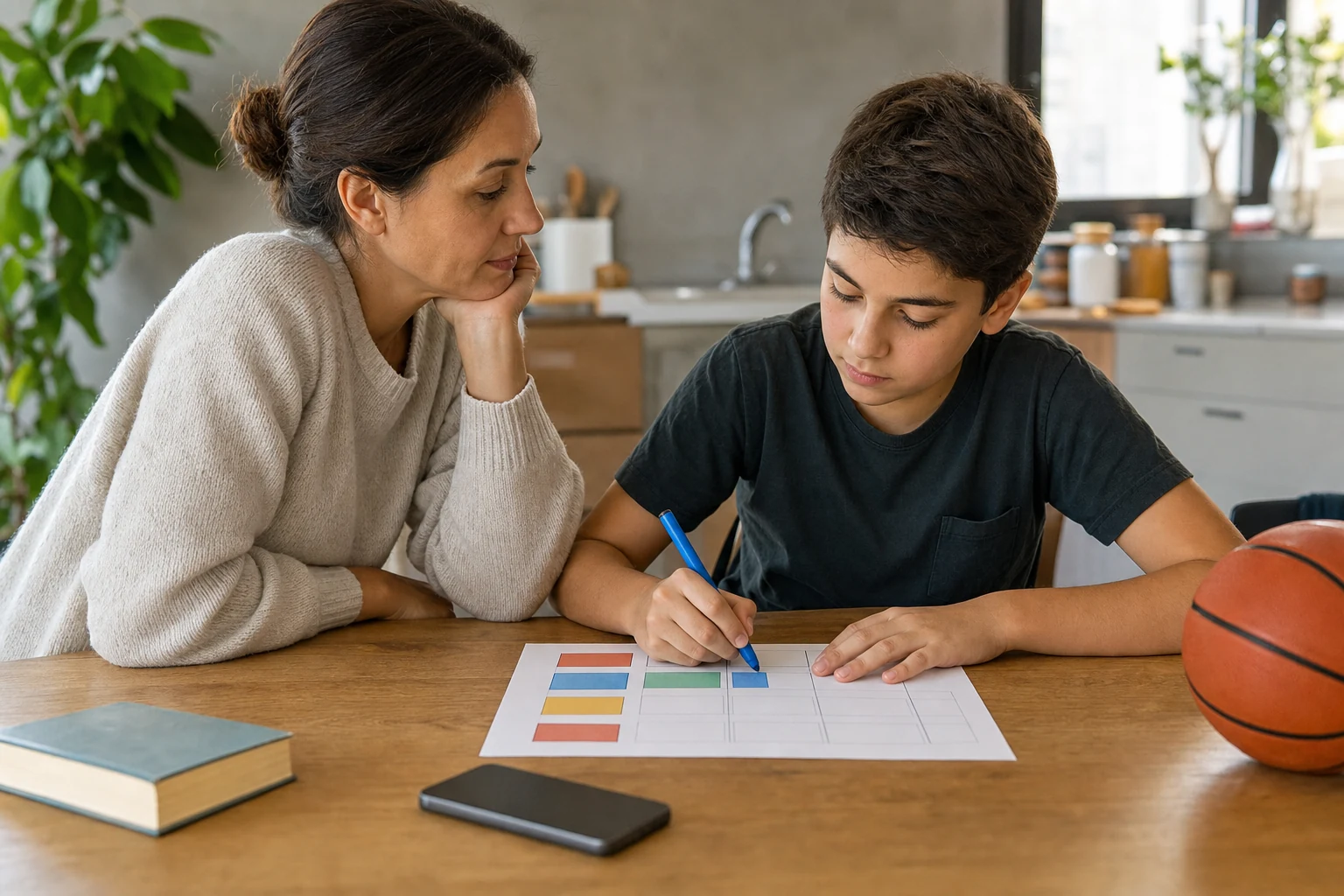
Write down your plan and revisit it every few months. As your child grows, their needs will change, and your plan should too. The key is consistency, not perfection.
When to seek extra support
Most screen time challenges can be addressed with small adjustments to routines. But if your child shows persistent sleep loss, developmental concerns, or exposure to frightening content, it’s time to reach out.
Screen time isn’t a moral issue—it’s a practical one. If it’s causing harm, support is available.
You’re not alone in navigating this. Every family finds its own balance, and it’s okay to ask for help along the way.
"Health Disclaimer: This content is provided for general informational purposes only and does not constitute personal medical advice, diagnosis, or treatment. Always seek the advice of a qualified health professional with any questions you may have regarding your health or your child's health."
Was this article helpful?
Fast Summary
- Focus on purpose and timing of screen use rather than minutes alone.
- Prioritize co-viewing and shared experiences over passive viewing.
- Protect sleep, meals, and outdoor play with predictable routines.
- Use calm boundaries and role modeling to guide healthy habits.
Tools for this Age
Checklist
Popular Topics
This topic at other ages· Screen Time
Frequently Asked Questions
- 1
Show 3 moreCollapse
- 2
- 3
- 4
References & Further Reading
Editorial Note
If your child shows persistent sleep loss, developmental concerns, or exposure to frightening content, contact your pediatrician or local safeguarding team for support.