
 lumiya.com.tr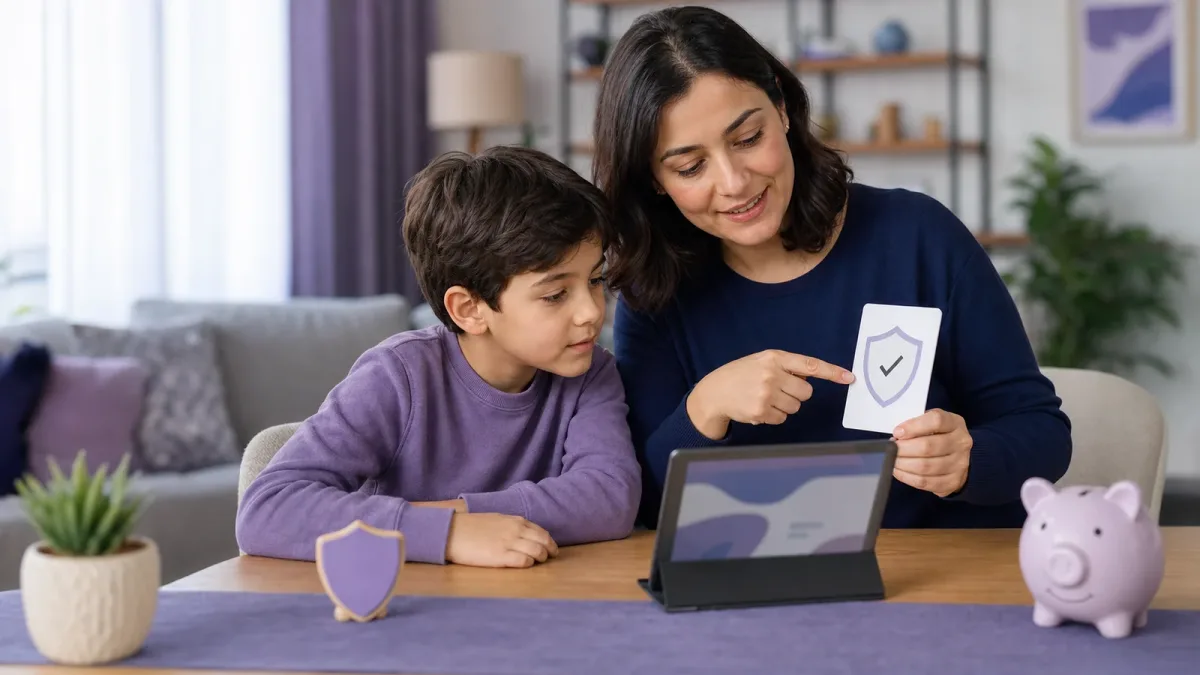
A healthy balance with screens
Online Scams at Ages 6-9: Stop, Ask, and Check
Help a child spot fake game rewards, urgent messages, and phishing links, then build a calm family routine for stopping and asking before any click.
General Information: General information only; it may vary from child to child. Talk to your doctor or a specialist before making decisions.
In short
- Scammers can wrap a request in a game reward, prize, or urgent warning.
- The child's rule is simple: stop, do not tap, and show a trusted adult.
- Passwords, one-time codes, addresses, and payment details stay private.
- If a mistake happens, respond calmly and secure the account or device quickly.
Lumiya Editorial TeamBased on 4 sourcesOur editorial standards
A bright “YOU WON” banner does not look like a risk to a six-to-nine-year-old. It looks like a reward. A rare game skin, a free toy, a message from a classmate, or a warning that an account will close can create excitement or fear before a child has time to question the request. Online scams use that emotional speed. The useful skill at this age is not memorizing every scam. It is having one reliable response whenever something online asks for a click, a secret, a download, or money.
The US Federal Trade Commission explains that phishing messages impersonate a trusted person or organization to obtain personal or financial information. For children, the disguise often fits their world: game currency, giveaways, account verification, fan pages, quizzes, or a private message that appears to come from a friend. The message may arrive in a game chat, email, text, advertisement, video comment, or QR code. Good spelling, a familiar logo, or the name of a real company does not prove that it is genuine.
See how a scam enters a child's world
Children in early primary school are learning to read intent as well as words. “Free” may feel literal, and a countdown may feel like a real deadline. A scammer can say “enter your parent's code to claim the prize,” “download this helper,” or “keep this secret so your account is not banned.” The request often begins with a small action. Once the child taps, the next screen may seek a password, address, payment number, or permission to install software.
Use concrete language without making the internet sound full of monsters. You might say, “Online, someone can wear another person's mask.” Teach three signals: an offer that seems unbelievably good, pressure to act now, and a request for private information. One signal is enough to stop. Do not create an exception for a familiar sender, because a friend's account can be compromised.

A real prize does not require a child to hide it from the family or decide in a few seconds.
Rehearse stop, do not tap, and show
Make the family response short: Stop — Do not tap — Show an adult. The child leaves the message on screen without opening the link, attachment, QR code, or approval button. The adult thanks the child for bringing it over before inspecting it. If the first response is “How could you fall for that?”, the child may hide the next message. Praise the report, not the scam's quality.
Verify through a separate path. If a message appears to come from school, call the known school number. If it promises a game reward, open the official app independently. If a relative asks for money or a code, call the saved number. Do not use the phone number or support link inside the questionable message. Typing a known address or using a trusted bookmark avoids lookalike domains.
Practise for two minutes with made-up examples. Read a fake “limited prize” and let the child say the three steps. Then swap roles and ask the child to invent a suspicious message while you identify the clues. This builds judgment without exposing the child to a live malicious link. The goal is confident help-seeking, not fear.
Read the message clues together
| What the message says | Child's action | Adult's check |
|---|---|---|
| “Tap now or the prize disappears” | Stop and show the screen | Open the official service separately |
| “Send your password or code” | Enter nothing | Review account security |
| A friend's account asks for money | Do not reply | Contact the family another way |
| A QR code promises a free item | Do not scan | Find the campaign on the official site |
| A file or new app is required | Cancel the download | Check source, developer, and permissions |
Create a family list of private information: full name, school, home address, phone number, live location, passwords, one-time codes, and family payment information. A photo can reveal identity or location too. Even playful questions about a pet's name, birthday, or first school can resemble password-recovery questions. A child does not need to judge why a stranger wants the detail; they simply do not provide it.
The FTC suggests using real scam messages as teachable moments. Show a safe screenshot with the link covered and ask, “What feeling is this message trying to create?” The answer may be excitement, fear, curiosity, or urgency. Naming the emotion helps the child notice when a message is trying to rush the body before the brain has checked the facts.
Let adults own payment and device boundaries
Education is not a replacement for technical safeguards. Use a separate child profile. Require adult authentication for app installation, purchases, and subscriptions. Do not leave a family card stored in a game account the child can access. Keep devices, browsers, and apps updated; use distinct strong passwords and multi-factor authentication where available. Limit lock-screen previews of one-time codes.
Parental controls and filters can reduce accidental exposure, but they cannot identify every persuasive message or compromised friend account. Keep devices in a shared area when practical and make help easy to request. Shared use is not secret surveillance; it is the child knowing that an adult is available before a confusing decision.

The strongest safety setting is the child's certainty that they can tell you after a mistake.
Recover quickly and without blame after a click
Find out what happened: Was only a page opened, or was a file downloaded, a password entered, or a payment approved? Preserve a screenshot and message details for reporting, but do not reopen the link. If credentials were entered, change them from a trusted device, change reused passwords, sign out other sessions, and enable multi-factor authentication. If an app or file was installed, run current security checks and remove unknown permissions or software.
If card or bank details were shared, call the financial institution using the number on the card or official website. If an account was taken over, use the platform's official recovery page. Preserve evidence of threats, money loss, or identity misuse and report through the relevant official channels. Do not negotiate through the suspicious account. Tell the child, “You did the right thing by telling me.”
After recovery, fix one system rather than delivering a long lecture. Perhaps purchase approval was off, a card was stored, or the child did not understand that a one-time code is a password. Update that boundary and rehearse the three-step response again. Digital safety is not a record of never making mistakes. It is the ability to pause, ask for help, verify, and recover together.
General Information: This content offers general information based on expert sources. Every child, family and situation is different, so what is described here may vary from person to person. Talk to your doctor or a qualified specialist before making decisions about your child.
Was this article helpful?
This topic at other agesOnline safety
Tools for this Age
- Baby and child sleep scheduleHow much should your child sleep in 24 hours, and when should bedtime be? Calculate it from official guidance and compare it with your own log.
- Screen time by ageSee how much screen time a day your country's official body recommends at your child's age; add daily use to compare it with the advice.
- What temperature is a fever in children?See whether the temperature you measured counts as a fever according to your country's official health source, when to get help at your child's age and the warning signs.
- Child Height Predictor & Genetic Target Height CalculatorHow tall will your child be as an adult? Enter both parents' heights to calculate the pediatric mid-parental target height and expected adult height range using the Tanner and AAP formulas.
Checklist
Popular Topics
Frequently Asked Questions
- 1
- 2
- 3
- 4
References & Further Reading
Editorial Note
This is general online-safety education. If money, an account, threats, or personal data may be involved, contact the platform, financial provider, and appropriate official reporting service promptly.
Other situations in this topic
Dealing with a different side of the same topic? Each situation has its own guide.
- Online safety basics: passwords, permissions and settingsLearn how to build digital safety routines with your child from their first device through adolescence. Focus on shared agreements, age-appropriate participation, and open routes for help rather than one-time settings.1 items
- Talking to strangers onlineSafetyLearn how to build practical, family-centered digital safety habits for kids aged 9-12 without relying on fear or one-time rules. Discover age-appropriate strategies for passwords, privacy settings, app permissions, and handling online risks.1 items
- Online safety for teens: a family agreementHelp teens build healthy digital habits with a family agreement, privacy settings, and clear boundaries around accounts, gaming, and social media.1 items