 lumiya.com.tr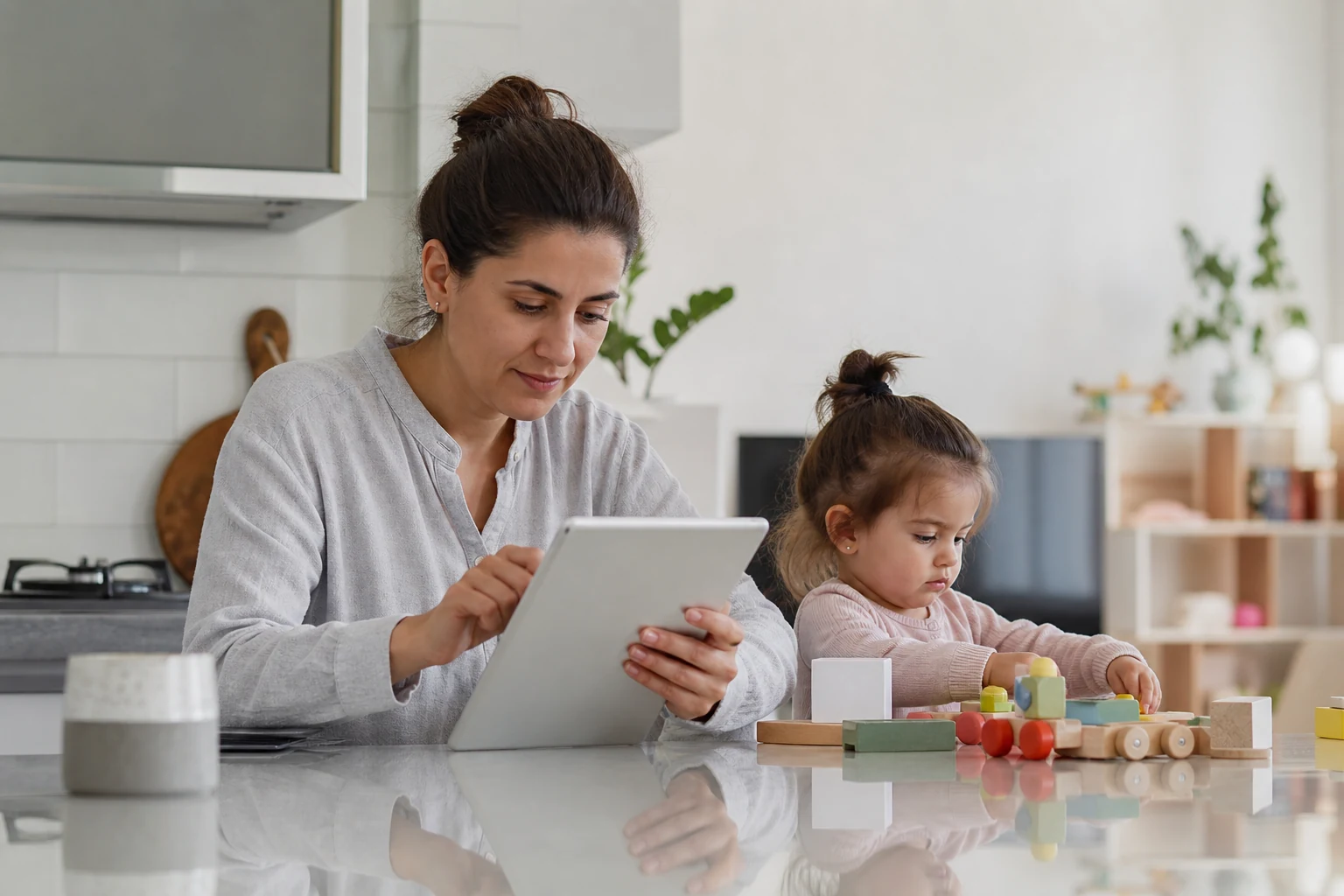
Digital Safety for Toddlers: A Parent’s Guide to Parental Controls (Ages 1-3)
Learn how to set up parental controls for toddlers ages 1-3, balancing screen time with real-world play while protecting their digital safety. Discover practical steps to manage apps, content, and device access without relying on screens as a substitute for…
Why Parental Controls Aren’t Enough
Toddlers ages 1-3 are naturally curious and developing motor skills, which makes accidental taps and swipes common. While parental controls can limit access to certain apps or features, they cannot replace close supervision or teach a child about online safety. Platform age ratings and filters reduce exposure to inappropriate content, but they are not fail-safe.

Toddlers cannot understand privacy notices, advertising, or persuasive design. Adults must guide every interaction, from selecting content to managing device permissions.
The goal isn’t to eliminate screens entirely but to integrate them thoughtfully into your child’s routine. The American Academy of Pediatrics emphasizes that media should not replace hands-on exploration, social interaction, or physical activity. Use parental controls as one tool in a broader safety plan that includes shared use, secure device setup, and responsive caregiving.
Common Risks for Toddlers
- Accidental exposure: Tapping ads or links while playing a game.
- In-app purchases: Unintended charges from free apps with hidden costs.
- Stranger contact: Messaging or video features in apps designed for older users.
- Overstimulation: Fast-paced videos or autoplay that disrupt sleep routines.
These risks are manageable with proactive steps, but they require ongoing attention from adults. For instance, disabling location access and camera permissions in child profiles can prevent unintended data sharing. Regularly reviewing downloaded content and app permissions ensures that your settings stay aligned with your child’s developmental stage.
Setting Up a Safe Device for Your Toddler
Start by creating a dedicated child profile on your tablet or smartphone. This profile should have restricted permissions, such as no access to the app store, no in-app purchases, and limited internet browsing. Use the device’s built-in parental control features to set time limits and block explicit content.
Step-by-Step Setup Checklist
| Step | Action | Why It Matters |
|---|---|---|
| 1 | Create a child profile | Limits access to adult content and prevents accidental changes to settings. |
| 2 | Disable in-app purchases | Stops unintended charges from free apps or games. |
| 3 | Enable safe search | Reduces exposure to inappropriate images or videos. |
| 4 | Turn off autoplay | Prevents overstimulation and unwanted content from playing automatically. |
| 5 | Restrict notifications | Minimizes distractions and interruptions during playtime. |
| 6 | Disable location and camera access | Protects privacy and prevents unintended data sharing. |
| 7 | Set a strong passcode | Ensures only adults can adjust settings or download new apps. |
| 8 | Review content weekly | Helps you catch any new risks or changes in app behavior. |
After setting up the profile, test it by attempting to access restricted features. If you can bypass the controls without the passcode, revisit the settings to strengthen them. Keep the device updated to patch any security vulnerabilities, and avoid using it during sleep routines or in private spaces like bathrooms.

Keep devices out of sleep routines and unsupervised private spaces. Protect caregiver accounts and avoid posting identifying images or details about your child online.
Choosing Toddler-Friendly Apps and Content
Not all apps labeled for young children are developmentally appropriate. Look for apps that encourage creativity, problem-solving, or movement, rather than passive viewing. The World Health Organization recommends limiting sedentary screen time and balancing it with physical activity. For toddlers, this means short, interactive sessions where an adult participates.
What to Look For in an App
- Simple, intuitive interface: Large buttons and clear visuals reduce frustration.
- No ads or in-app purchases: Avoid apps with hidden costs or distractions.
- Offline functionality: Reduces reliance on internet access and potential exposure to unsafe content.
- Educational value: Focuses on early literacy, numeracy, or motor skills.
Avoid apps that prioritize flashy animations or repetitive sounds, as these can overstimulate a toddler’s developing brain. Instead, opt for apps that allow your child to explore at their own pace, with clear boundaries.
Managing Screen Time Without Relying on Controls
Parental controls can help manage access, but they shouldn’t replace active engagement. The American Academy of Pediatrics suggests creating a family media plan that includes screen-free times and zones, such as meals, bedtime, and play areas. Use screens as a tool for learning or creativity, not as a babysitter.
Co-Use Strategies for Toddlers
- Watch together: Narrate what’s happening on screen to reinforce learning.
- Play together: Use interactive apps to encourage movement and problem-solving.
- Set routines: Use devices at consistent times, such as after outdoor play, to avoid overuse.
- Model balance: Show your child how you use screens mindfully, such as for work or communication.
If your child becomes frustrated or overstimulated, pause the activity and switch to a hands-on alternative, like building blocks or a book. The goal is to foster curiosity and interaction, not passive consumption.
Responding to Accidental Exposure or Distress
Even with the best precautions, toddlers may encounter inappropriate content. Stay calm and reassure your child without blaming them. Close the app immediately and redirect their attention to a different activity. If the content is frightening or sexual in nature, preserve any evidence (e.g., screenshots) and report it to the platform.
Steps to Take After Exposure
- Stay calm: Your reaction sets the tone for how your child processes the experience.
- Close the app: Remove the device from your child’s view to minimize further exposure.
- Reassure your child: Use simple language to explain that some things online aren’t for kids.
Avoid promising that "nothing bad will happen online," as this can create a false sense of security. Instead, emphasize that adults are always there to help keep them safe.
Balancing Digital and Real-World Play
The World Health Organization recommends that toddlers spend at least 180 minutes per day in a variety of physical activities, including active play, crawling, and walking. Screen time should complement—not replace—these experiences. Use devices to enhance learning, not as a substitute for exploration.
Ideas for Screen-Free Play
- Sensory bins: Fill a container with rice, beans, or water beads for tactile exploration.
- Building blocks: Encourage creativity and fine motor skills with simple structures.
- Outdoor time: Visit a park, backyard, or nature trail to observe plants and animals.
- Storytime: Read books together and ask questions about the pictures.
When screens are used, keep sessions short (10-15 minutes) and always supervised. The goal is to foster a love for learning and movement, not dependence on digital devices.
Final Checklist: Keeping Devices Safe Every Day
- Morning: Check app permissions and update the device.
- Afternoon: Review downloaded content and adjust filters as needed.
- Evening: Charge the device in a shared space, not the bedroom.
- Weekly: Test parental controls and discuss any concerns with your child.
Parental controls are a helpful tool, but they work best when paired with attentive caregiving. By staying involved and setting clear boundaries, you can create a digital environment that supports your toddler’s growth without compromising their safety.
"Health Disclaimer: This content is provided for general informational purposes only and does not constitute personal medical advice, diagnosis, or treatment. Always seek the advice of a qualified health professional with any questions you may have regarding your health or your child's health."
Was this article helpful?
Fast Summary
- Parental controls are one layer in a broader safety plan, not a replacement for supervision or shared use.
- Toddlers cannot understand privacy notices, ads, or in-app purchases—adults must guide every interaction.
- Focus on secure device setup, restricted content, and responsive caregiving to reduce digital risks.
- Use a short setup-and-review checklist to keep devices safe and out of sleep routines or private spaces.
Tools for this Age
Checklist
Popular Topics
This topic at other ages· Digital Safety
Frequently Asked Questions
- 1
Show 3 moreCollapse
- 2
- 3
- 4
References & Further Reading
Editorial Note
Parental controls reduce but do not eliminate risk. Toddlers are still developing impulse control and cannot fully grasp online safety concepts. Adults must remain responsible for content selection, access, and physical safety at all times.